Discord Server
👋 Enjoy 5% OFF your first purchase with
"WELCOME5"
✨
Home
Games
Hacks
Support
How It Works
Blog
Sign In
How to use Lagswitch
To properly run the hack, follow the instructions and steps.
Note
Install VC c++ components if your PC doesn’t already have them.
Download Here
Step 1
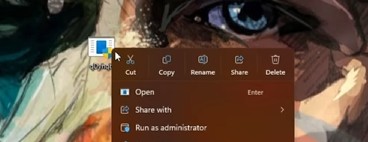
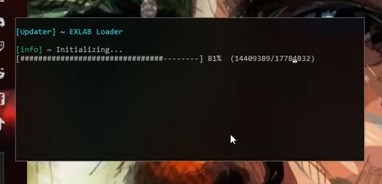
Run the loader as administrator, and wait until it finish initializing.
Step 2
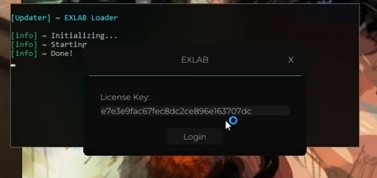
Paste your key when the EXLAB Tab pops up then press login.
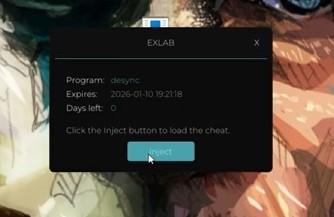
A new window should open, Press Inject.
Step 3
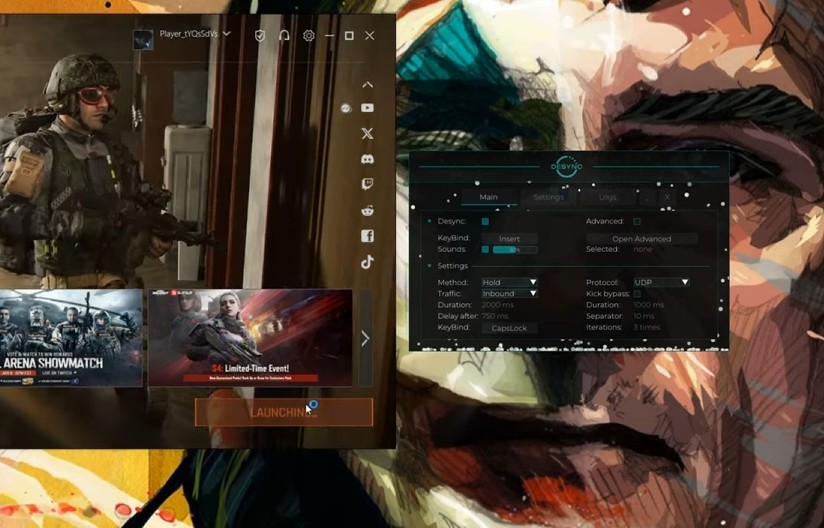
When the menu show up , Launch the game.
TIPS
Protocol:
All modern games use UDP protocol, do not change it if you do not know what it is.
Traffic settings [Main]:
1. Desync: on
2. Method: Any, rec. Temporary. Desync activation methods:
Temporary: press - turn on for a while and off;
Pressing: pressed - on / pressed - off;
Hold: press - on / release - off;
3. Traffic: Inbound / Outbound
4. Protocol: UDP / (TCP - not usually for games)
5. Delay after: rec. 750 (delay after desync action)
Escape From Tarkov:
[Kick bypass] - On
Lag duration: 1000 ms
Separator: 5 - 15 ms
Iterations: 1 - 6 times
Duration after: 750 ms
Method:
Temporary
Traffic:
Inbound
ABI - Arena Breakout Infinite:
[Kick bypass] - Off
Not needed
Method:
Recommended: Hold
Traffic:
Outbound
Duration:
Recommended: 1500 - 2000 ms
PUBG - BATTLEGROUNDS:
[Kick bypass] - Off
Not needed
Method:
Temporary
Traffic:
Inbound
Duration:
Recommended: 1600 - 1750 ms
DayZ:
[Kick bypass] - Off
Not needed
Method:
Recommended: Temporary
Traffic:
Outbound / Inbound
Duration:
Recommended: 3000 - 6000 ms
Faceit CS2:
[Kick bypass] - Off
Not needed
Method:
Recommended: Hold
Traffic:
Outbound
Duration:
Recommended: 1500 ms
credit-card
bullhorn
bitcoin
instagram
cc-visa
cc-mastercard