Discord Server
👋 Enjoy 15% OFF 🍃 Spring Sale with code
"MARCH15"
✨
Home
Games
Hacks
Support
How It Works
Blog
Sign In
HOW TO USE Valorant Visor
To properly run the hack, follow the instructions and steps.
Make Sure you enable discord overlay
!
Your system BIOS configured to:
- UEFI Only Mode (no Legacy BIOS).
- Virtualization Enabled (Intel VT-X or AMD-V).
- Hyper-V Windows component enabled.
Your system must have:
- GPT (GUID Partition Table) format on the system disk ( If your system still uses MBR, you’ll need to convert to GPT).
- A 100 MB EFI system partition on the GPT disk.
1
- Download the loader and Unzip to the FLASH, if there is no flash drive then desktop or to the C drive so that all files remain in the HACK folder
- Run StartMe.exe as Administrator and wait for the launch of the loader
2
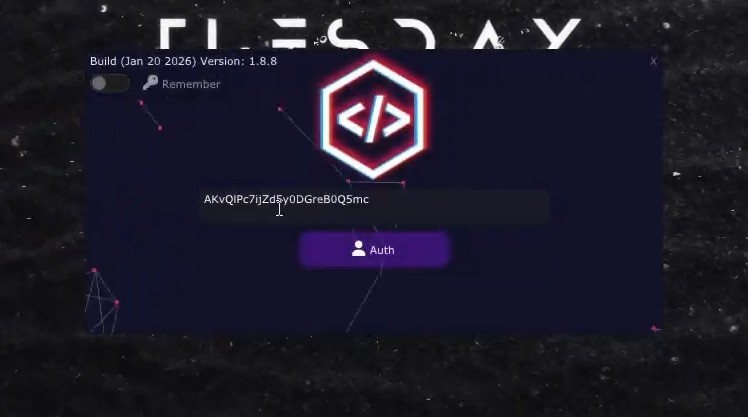
A new window should open. Here paste your serial key, finally press ENTER.
3
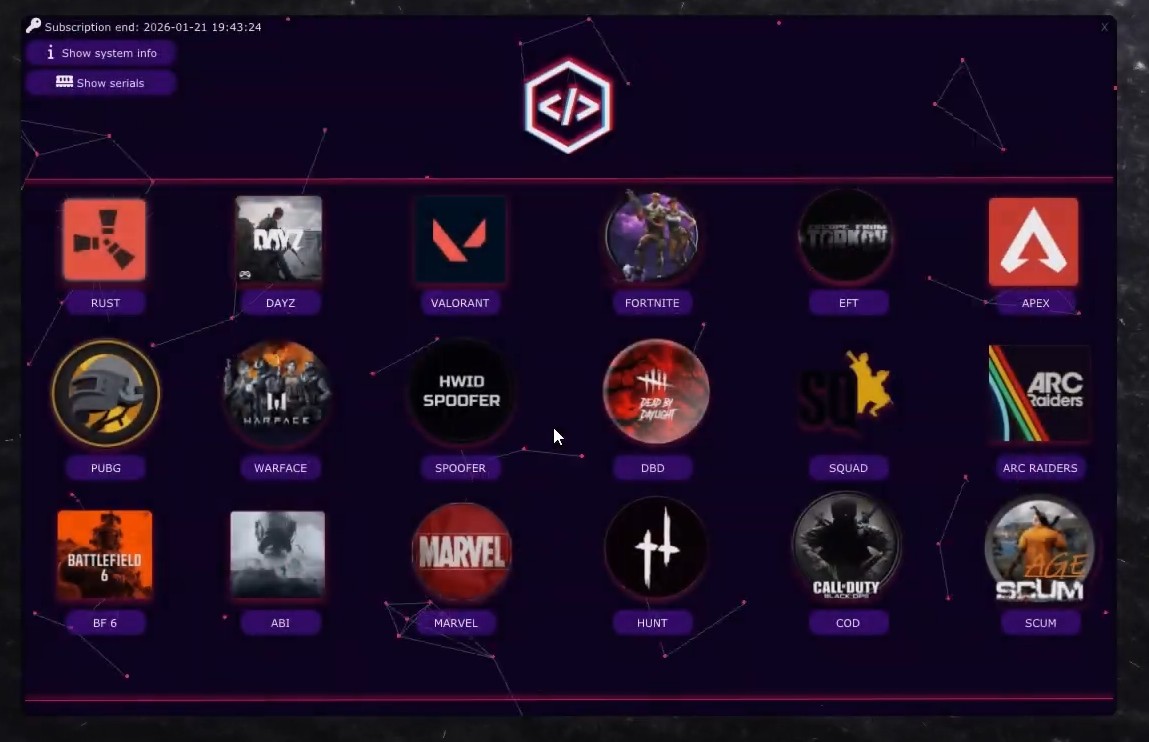
When this window appears, select the game you are currently playing.
- (Game must be in windowed or borderless window mode).
4
Choose version of cheat: hyper visor discord, Than press ''To run"
Your pc will restart
5
- After restarting, launch the program again and proceed to the step above where you select the cheat version. (step 4)
- Choose Visor, click To Run, and wait for the console to open.
6
At this stage, remove the flash drive if you used one.
Once you’re in the game lobby, press F2, wait for the indicators to appear in the corner.
- Open the menu using INSERT.
credit-card
bullhorn
bitcoin
instagram
cc-visa
cc-mastercard