Enjoy 10% OFF your next purchase with "SAVE10"

How to use Visor Products Hack

To properly run the hack, follow the instructions and steps.

Setup steps

6 steps
Make Sure you enable discord overlay
Before using

Your system BIOS configured to:

- UEFI Only Mode (no Legacy BIOS).
- Virtualization Enabled (Intel VT-X or AMD-V).
- Hyper-V Windows component enabled.

Your system must have:

- GPT (GUID Partition Table) format on the system disk ( If your system still uses MBR, you’ll need to convert to GPT).
- A 100 MB EFI system partition on the GPT disk.
Step 1
- Download the loader and Unzip to the FLASH, if there is no flash drive then desktop or to the C drive so that all files remain in the HACK folder
- Run StartMe.exe as Administrator and wait for the launch of the loader
High-quality cheat services for gaming and software access from Cheatservice.
Step 2

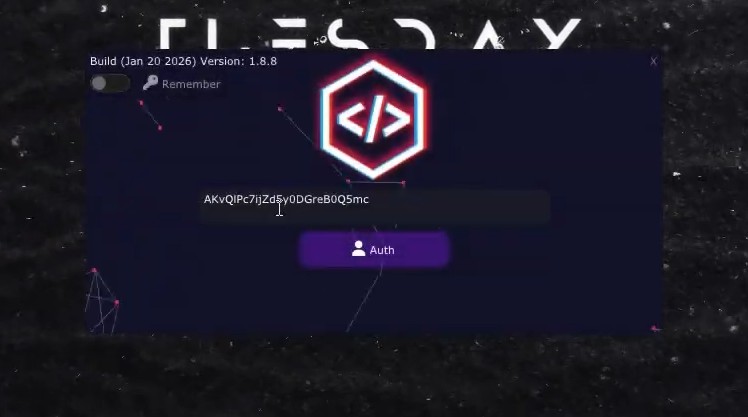
A new window should open. Here paste your serial key, finally press ENTER.
Step 3
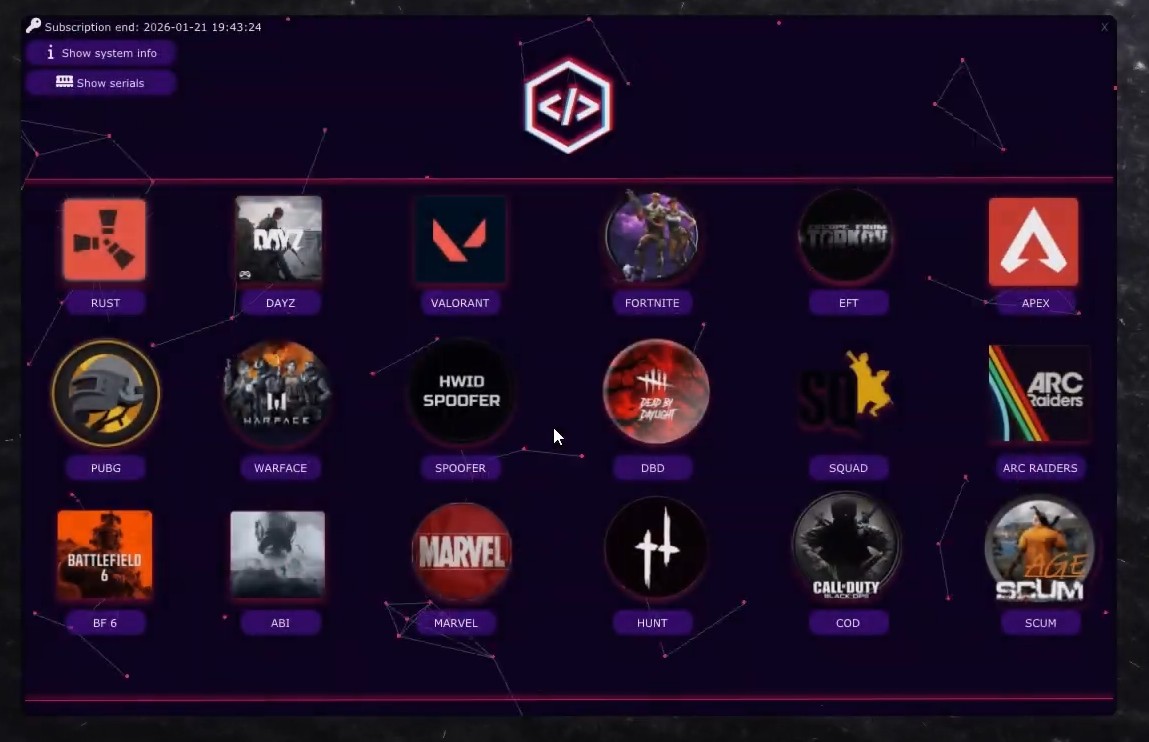
When this window appears, select the game you are currently playing.

- (Game must be in windowed or borderless window mode).
Step 4

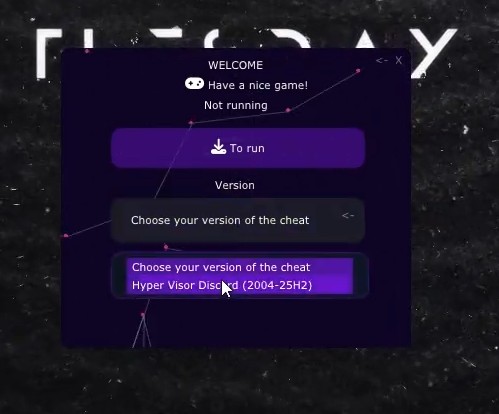
Choose version of cheat: hyper visor discord, Than press ''To run"

Your pc will restart

Step 5

- After restarting, launch the program again and proceed to the step above where you select the cheat version. (step 4)
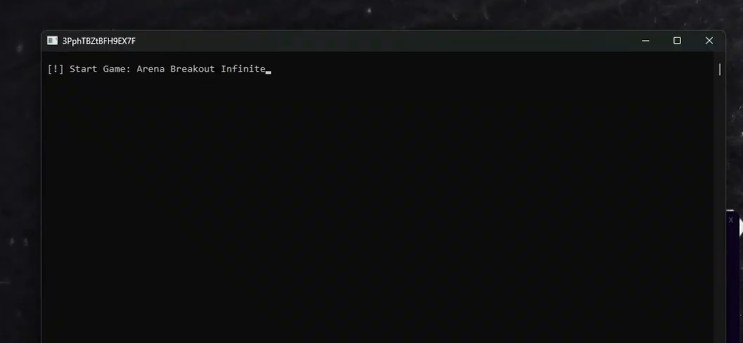
- Choose Visor, click To Run, and wait for the console to open.
Step 6

At this stage, remove the flash drive if you used one.
Once you’re in the game lobby, press F2, wait for the indicators to appear in the corner.
- Open the menu using INSERT.