To properly run the hack, follow the instructions and steps.
! before using
- The project is external.
- The game must be then in window borderless mode and no extra monitors used (It will display to monitor 1).
- The abuse of aimbots could lead to reports and bans. Beware.
- Note: this game now is using Discord or Medal overlay. You don’t need to use both overlays at the same time. Please select only one or Discord overlay or Medal overlay
First option — Discord overlay: (Recommended)
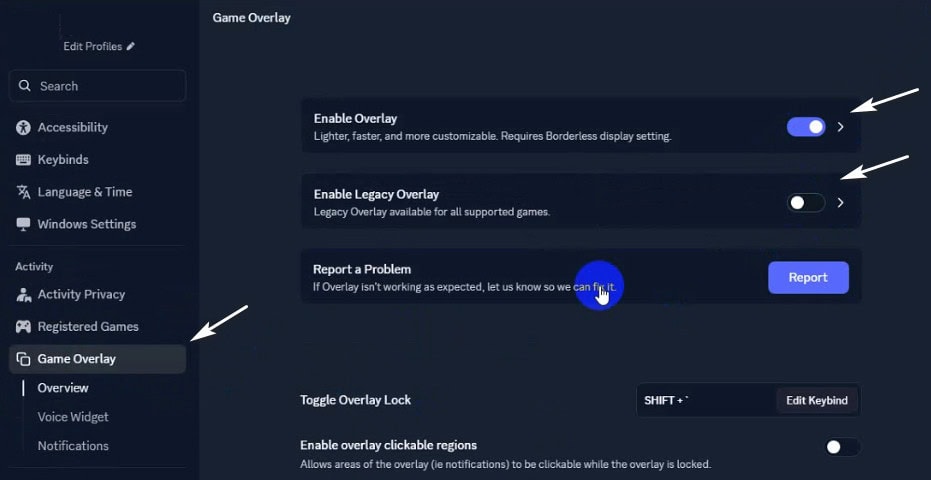
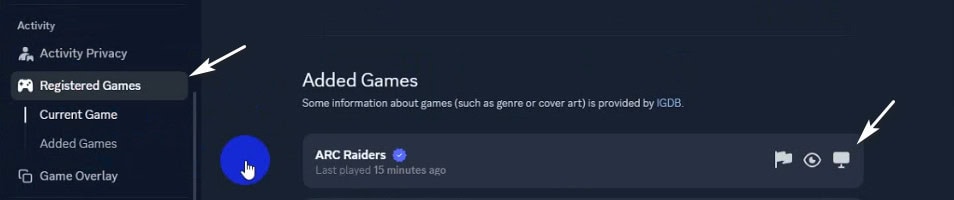
1- Download discord from official website. 2- Sign in to your account. 3- Please activate “Enable Overlay" and disable “Enable Legacy Overlay”. (first screenshot) 4- Please make sure the overlay for your game is on ( second screenshot ) Note: Enable Hardware acceleration from discord settings if you can't see the menu in game.
Second option — Medal TV: (if you can not use discord)
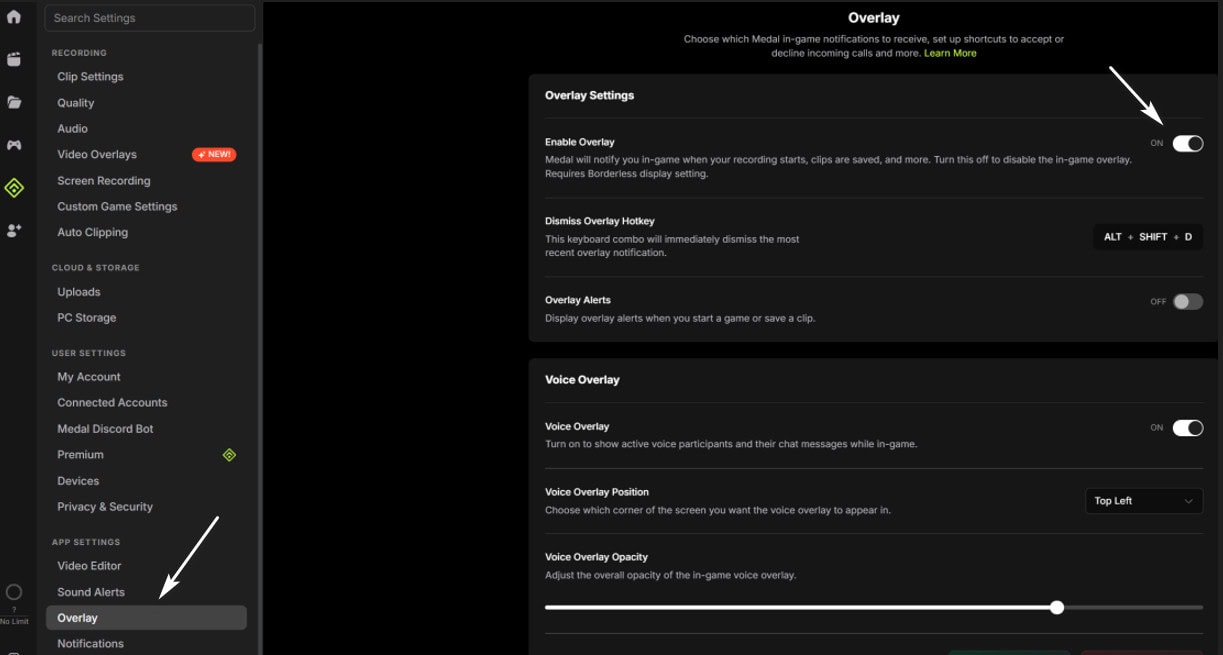
1- Download medal from official website 2- Start the program and register / login there. 3- Go to the settings and make sure overlay is enabled. (it is enabled by default)
1
Navigate to the Download link and download only the second file, named weacT9Kkbx.com
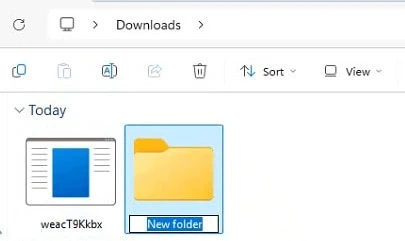
Go to your download location, create a new folder (name it as you wish, for example, Ares), move the downloaded file inside it, and run it from that folder so all related created files are saved alongside the loader.
2
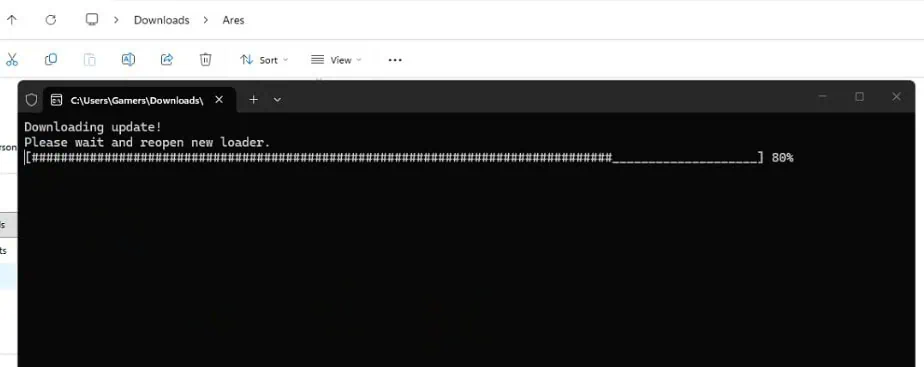
Double-click the loader to run it, A new command window will open, indicating that a new update is being downloaded. This will create a new, updated version of the loader.
3
Run the new loader, copy your key, and paste it in by right-clicking and pressing Enter.
Once your key is activated, the loader will display the hack name, hack status and expiration date. and will start downloading the hack files
4
The first time you run the loader, it may restart your pc to prepare your system to use this software correctly.
Simply restart your PC. Once you are back on the desktop, run the hack again, this time, the loader will begin downloading dependencies, assets, and data. Once all required files finish downloading, the loader will close automactically.
⚠️Note: while downloading dependencies, if you receive an error stating " Please make sure Pin is not set in windows sign-in options and manually disable hyper-v using dgreadiness tool" ensure you have removed your Pin/password and turned off Hyper-V using the dgreadiness tool *which can be downloaded via google)
5
After the loader cmd is closed, launch The game. During the loading screen, ensure the Discord overlay appears in the top-left corner (this is important).
6
After entering the lobby, do not switch to another window until the menu appears. The menu will show up automatically within 1 to 2 minutes.
* Ensure your game is set to windowed or borderless mode. * Press the 'Home' key to show or hide the menu. * Press the 'End' key to unload the software.