Enjoy 10% OFF your next purchase with "SAVE10"

how to use ea fc 27 lite hack

To properly run the hack, follow the instructions and steps.
Required System Setup

Disable Secure Boot: Turn off Secure Boot in your PC's BIOS settings before launching.

Disable Overlays: Close all background applications with overlay features (e.g., Discord, NVIDIA, Steam).
Build & Loader Rules

⚠️ One-Time Builds: A unique file is generated every time you authorize your key. There is no permanent loader app.

3-Minute Expiry: Generated builds expire after 3 minutes. You must download and run it immediately.

Single Use Only: Every build works for one launch only. To reinject, you must download a fresh file.

Use "No Spoofer": Always choose "No Spoofer" before authenticating. Spoofer usage is unnecessary for FC games and causes system conflicts.

Reboot PC After Use: The software only unloads upon a full system shutdown. Always restart your computer when finished.
Step 1.

Donwload and Authenticate

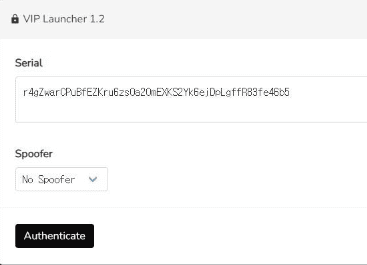
Access the Loader: Open the VIP Launcher webpage. Paste your license key into the Serial field. Select No Spoofer from the drop-down menu and click Authenticate.


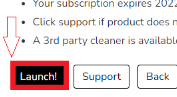
Download the Executable: Click the Launch! button on the subscription confirmation window, choose your destination folder, and save the generated .exe file.
Step 2. 

Run & Initialize the Software

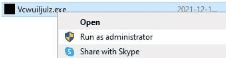
Run as Admin: Locate the downloaded application file in your downloads folder, right-click it, and select Run as administrator.


Automatic Setup: The loader will open a console window and immediately start downloading files and preparing the injection process.
Step 3.

Complete the Version Check

Version Check Prompt: Once the console says "preparing to execute, please wait!", two small windows will appear asking "Using trial version?" then "Using Showcase version?".

Select Your Version: You must answer these correctly for the menu overlay to work:

Select NO if you purchased the full game.

Select YES if you are playing on a trial account.
Step 4. 
Close the Loader: Wait for the console to display "Complete. Press SPACE to quit.", then press the SPACE key on your keyboard to close the window.
Step 5. 
Launch Game

Launch the Game: Immediately open your game platform (e.g., Steam, EA App) and launch the game. The menu overlay will automatically load once you reach the main lobby.

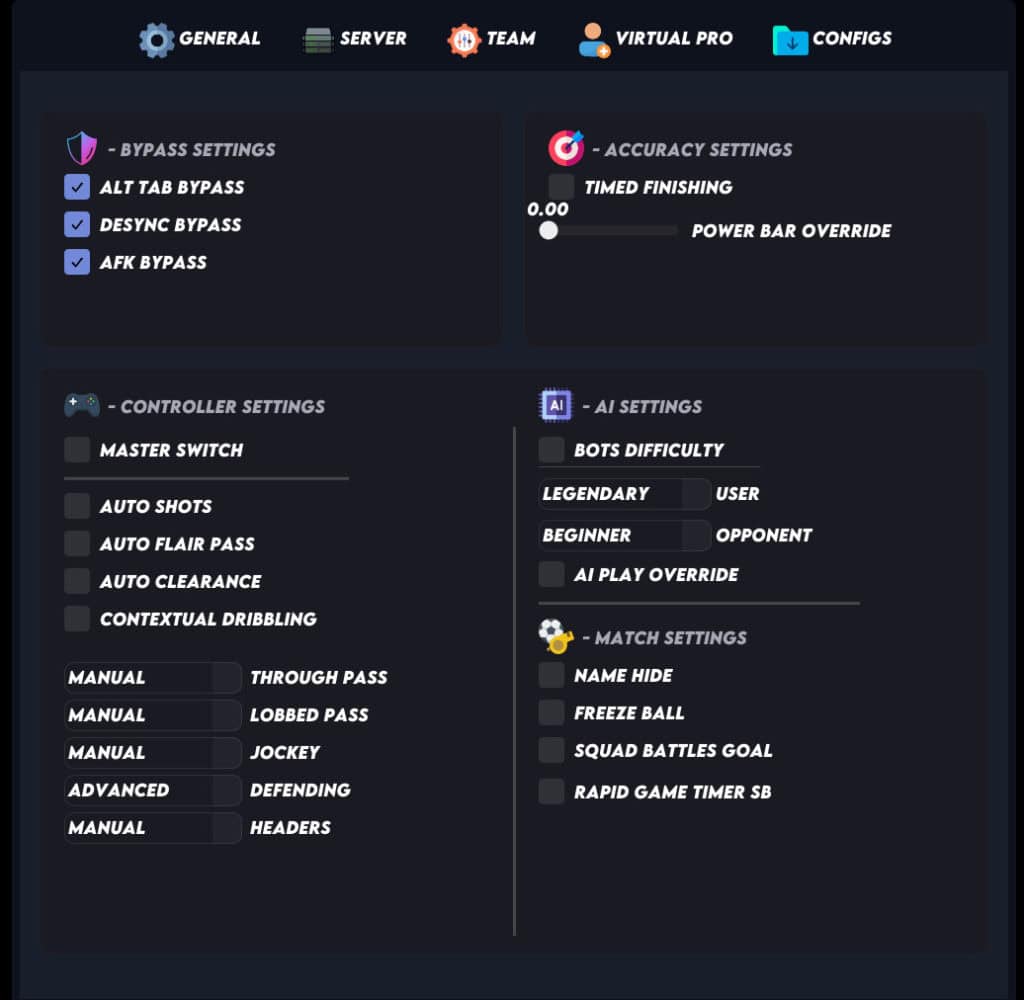
- Use "Home" button on your keyboard to show & hide the menu.
- Click with your mouse to enable & Disable the options.
- The game have to be in windowed or borderless mode.

💡 Tip: If the menu does not appear while you are in the main game lobby, navigate to the Ultimate Team screen and press the Menu key to open it.