We’ve introduced a new tool that helps you translate error messages from our menus. You can translate the image directly and view the result as plain text or as an overlay placed on top of the original image.
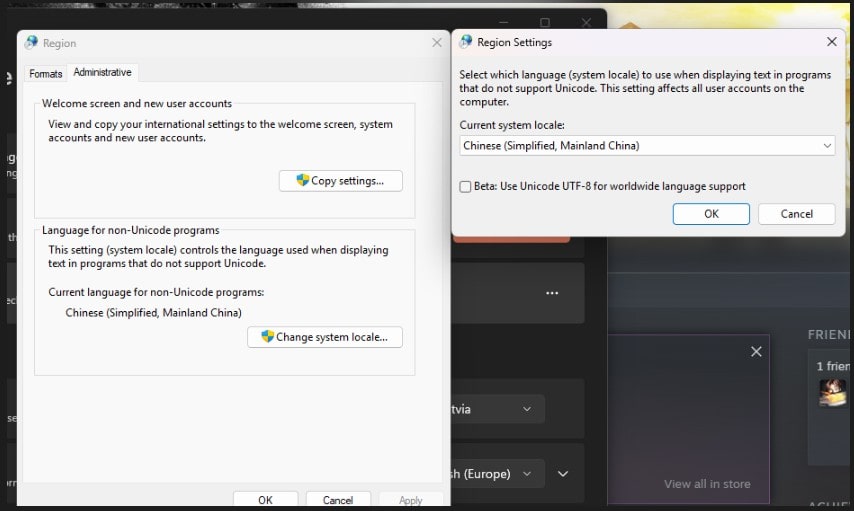
Important: The tool will NOT function unless you press the “Fix Broken/Garbled” button at the top. This temporarily switches your system’s Non-Unicode Region to Chinese (Simplified) so the translator can process the errors correctly.
If you skip this step, translations will not work.
You can revert this change at any time by disabling the option in the tool and selecting your correct region again.